How to create a visual schedule
Step-by-step guide to creating effective visual schedules. Learn how to choose the right images, structure the steps, and introduce the schedule to your child.
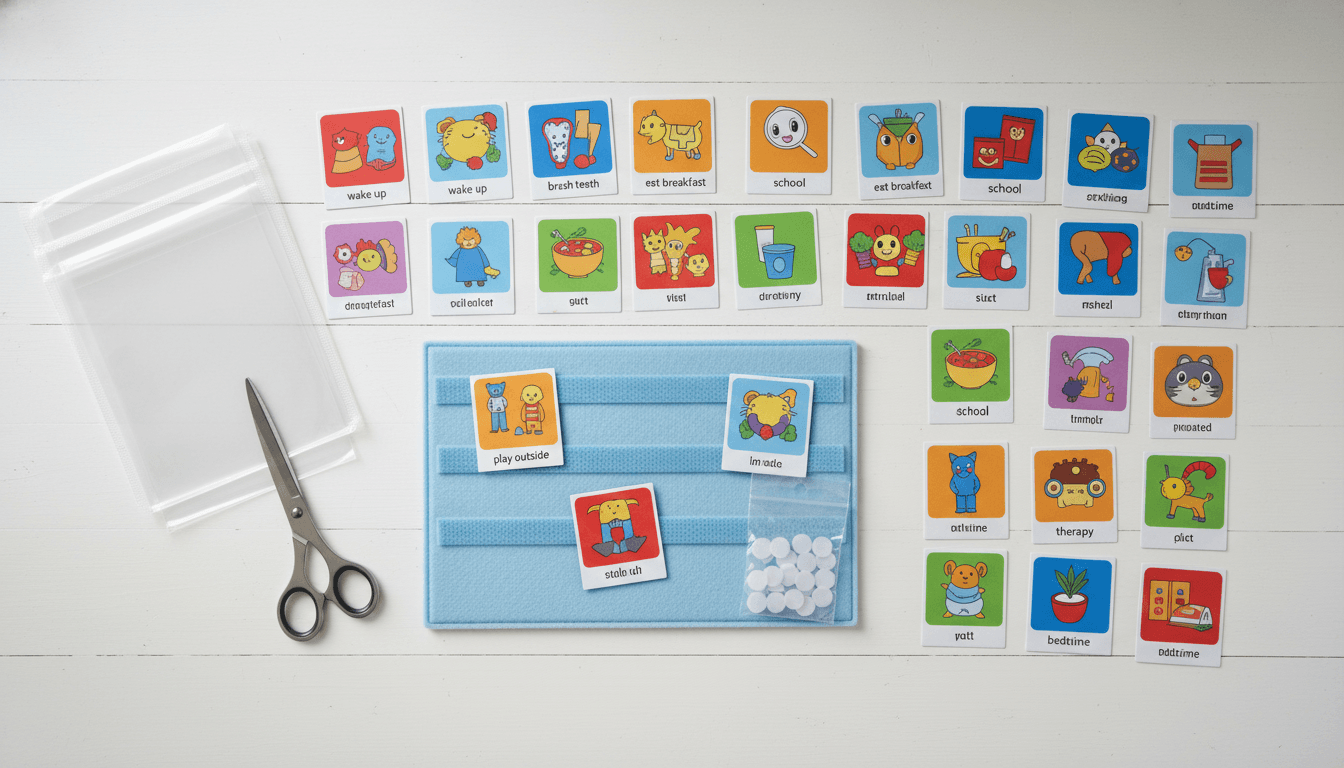
What is a visual schedule?
A visual schedule is a visual representation of activities in a specific order. Each step is represented by an image and a short text. The schedule can show a full day, a specific routine (like the morning), or a single activity broken into steps.
Visual schedules are the most common and most researched tool in visual support. They work for all ages — from toddlers to adults.
Step 1: Choose a routine
Start with a routine that's challenging or that you often need to remind about. Common choices:
Morning routine — from waking up to leaving the house. Bedtime routine — from dinner to bedtime. School day — the day's events in order. Mealtime — the steps around eating.
Choose one routine at a time. Don't introduce multiple schedules simultaneously.
Step 2: Break it into steps
List all the moments in the routine. Be specific — "brush teeth" is better than "get ready". Aim for 5–8 steps for younger children and up to 12 for older ones.
Consider the child's level. A child who needs a lot of support may need more, smaller steps. A child who already manages parts of the routine can have fewer steps.
Tip: walk through the routine once and write down exactly what happens. You'll often discover steps you hadn't thought of.
Step 3: Choose images
Use clear, simple images in a consistent style. Pictograms work better than photos for most children because they're simplified and focus on the essential.
Each image should clearly represent one step. Avoid images with too much detail or background.
In PicTalk, you get access to a library of pictograms in a calm, consistent style — specifically designed for visual support.
Step 4: Introduce the schedule
Show the schedule to the child in a calm moment — not in the middle of a stressful routine. Go through each step together and point at the images.
Place the schedule visibly: on the wall by the door, on the fridge, or in the child's hand as an app. Let the child point to or move each step when it's completed.
Be consistent. Use the schedule every day, at the same time. It often takes 1–2 weeks before the child starts using it independently.
Common mistakes
Too many steps — keep it simple, especially at the beginning.
Too abstract — "be nice" doesn't work as a step. Be specific.
Schedule not accessible — if the child can't see the schedule, they can't use it.
Giving up too early — it takes time to build a new habit. Give it at least two weeks.
Changing the schedule too often — consistency is key. Make small adjustments, not major overhauls.